Practice online
Turn a new activity into focused practice
Use supported creations for online questions and practice, so learners can work from their own child-friendly space.
- Clear learner view
- Questions in one place
- Progress stays connected
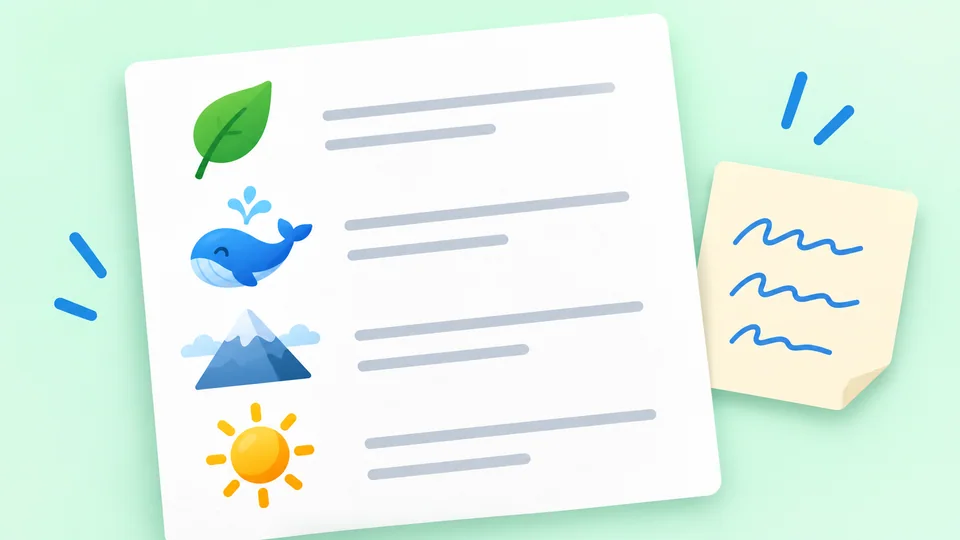
Turn one idea into a leveled reading passage, focused grammar or vocabulary practice, a word-game pack, or a printable coloring activity.
Start free. No credit card required.
Create something
Informational · Grade 3
Where Does Rain Come From?
Start with a topic, choose the kind of activity and shape it around the learners in front of you.
A reading passage today, grammar practice tomorrow or a word game when practice needs more variety.
Turn a topic they are learning or simply love into something they can read, practice, play or print.
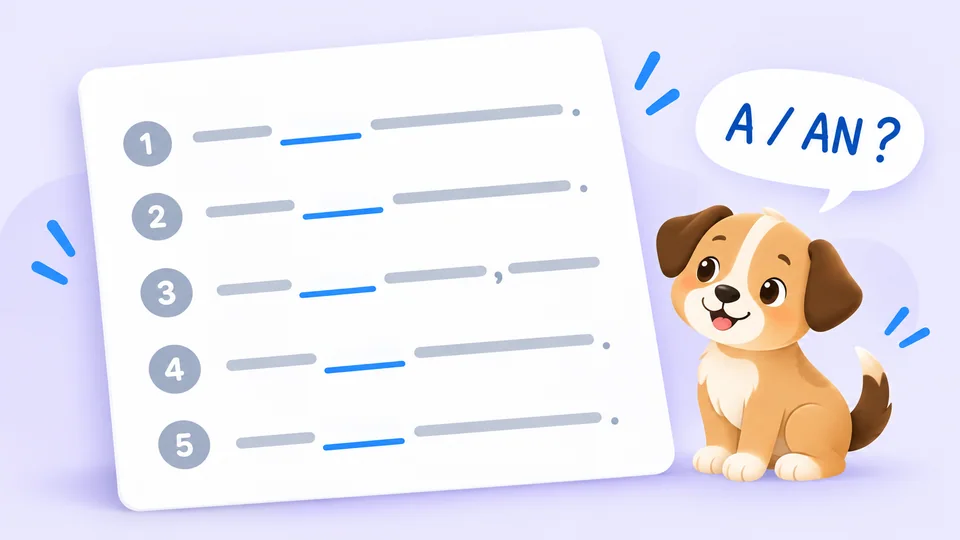
Create practice across reading, comprehension, grammar and vocabulary so core language skills can grow together.
The Create Studio
Choose the kind of practice that fits. PicoBuddy turns your idea into something ready to use.
 +3 worksheets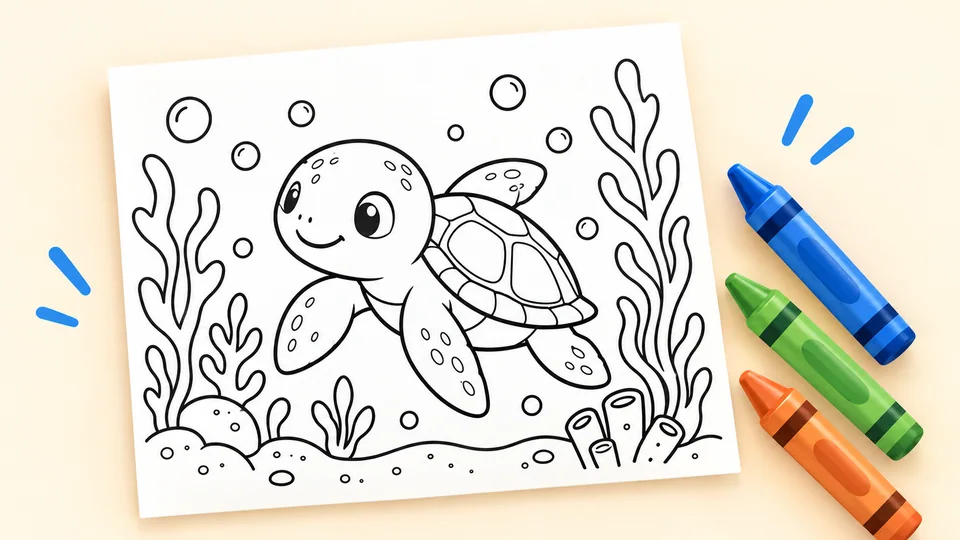
One simple workflow
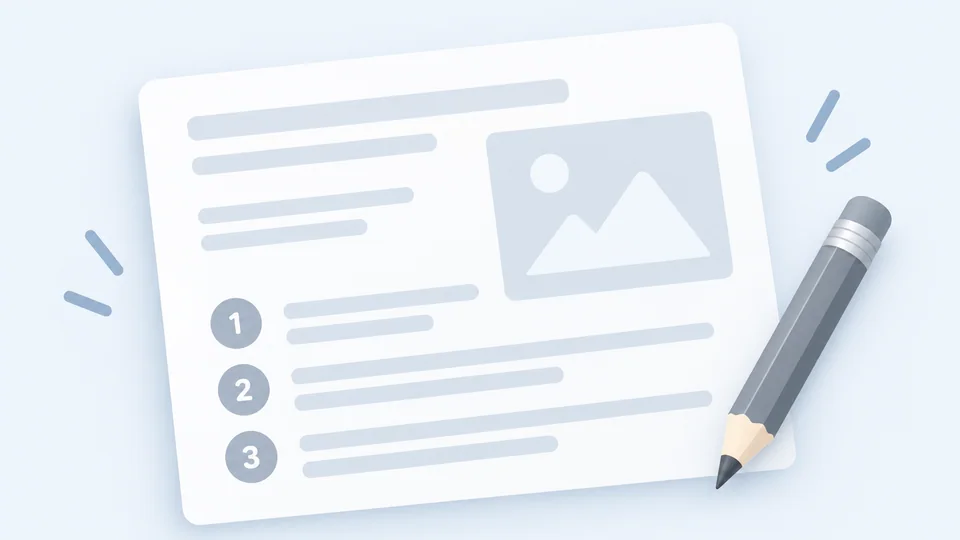
Choose the activity, add your topic and options, then use the result in the format that fits. You see the credit cost before you create.
Choose what to create
Add your topic and options
Practice, download or print
Make the story look the way you want
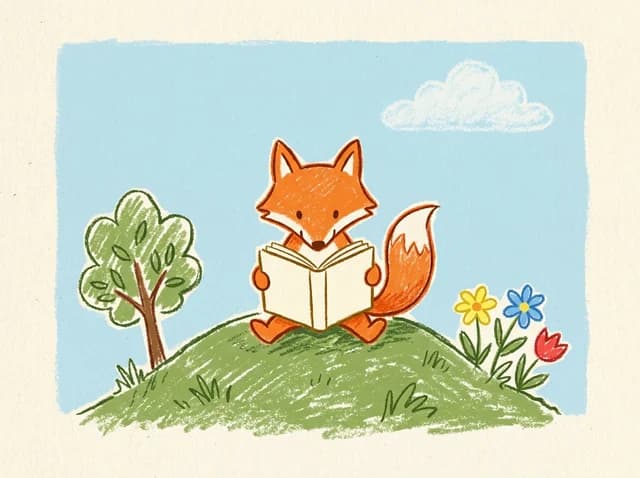
Reading passages with generated artwork can use a clear classroom look, a gentle storybook feel, or something more playful.
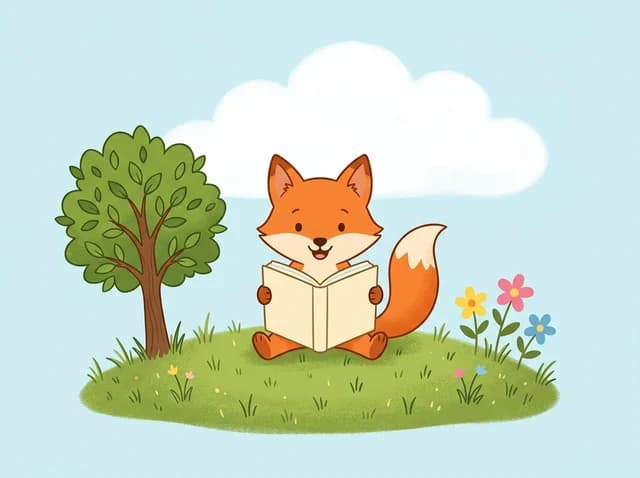
Clear, bright, and classroom-friendly.
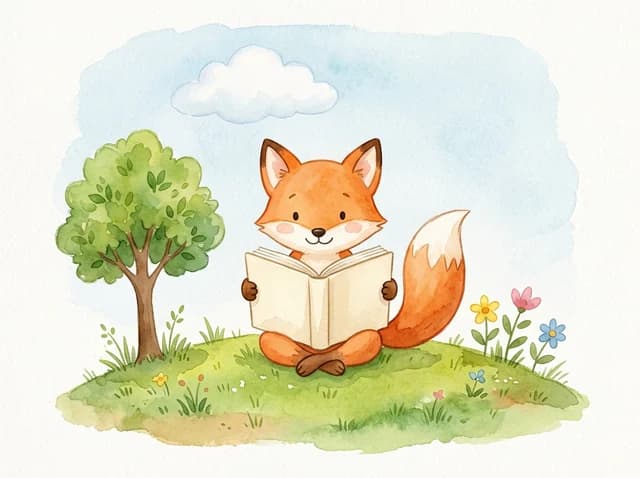
Soft, storybook-like, and gentle.
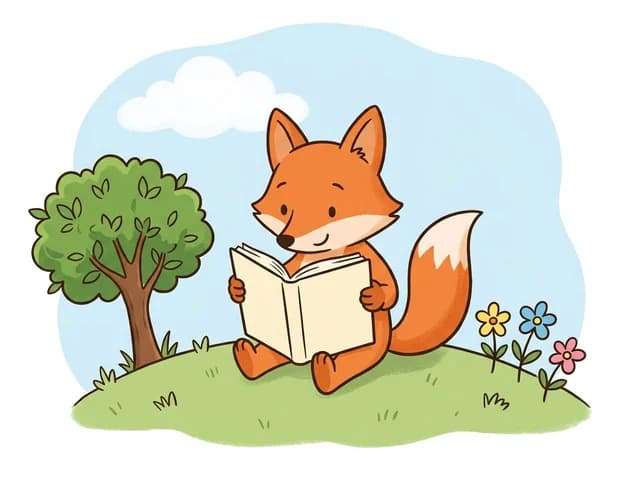
Playful, expressive, and high-energy.
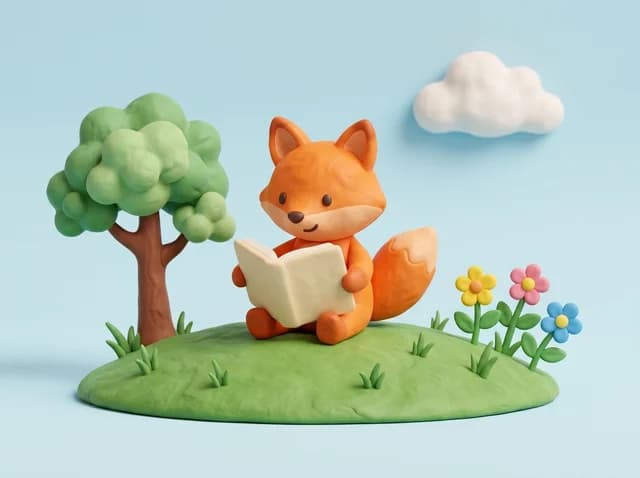
Tactile, fun, and slightly more premium.
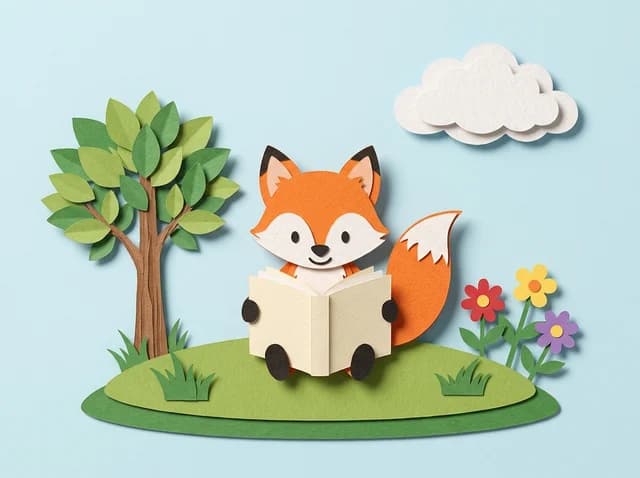
Layered paper and soft shadows.
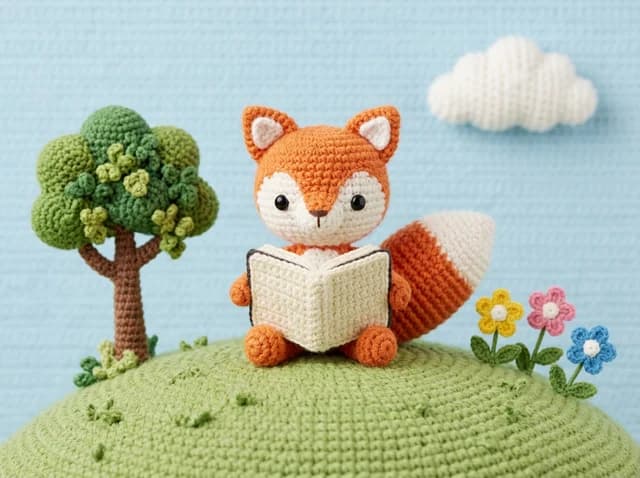
Soft yarn and tiny stitches.
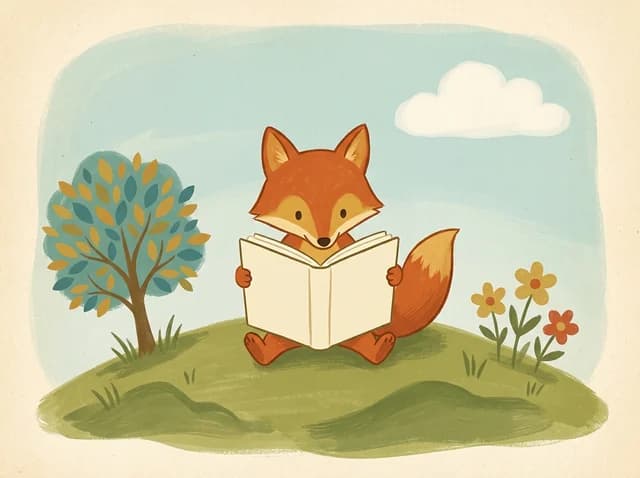
Warm colors, vintage print texture.
Bold chalk strokes on grainy paper.
Use what you create
Choose the format that fits the learning moment. The available online and printable options depend on the activity you create.
Practice online
Use supported creations for online questions and practice, so learners can work from their own child-friendly space.
Print for later
Download available worksheets and activity materials for guided work, independent practice or a screen-free lesson.
2,000+
Ready-made passages
1,200+
Schools & classrooms
50k+
PDFs downloaded
From the PicoBuddy community
“I built a whole week of reading in one prep period.”
“My son finally asks to read. The topics hook him.”
Start with one idea
Turn a topic into something ready to read, practice, play or print.
Create with PicoBuddy
PicoBuddy’s Create Studio helps teachers, tutors, homeschool families, and parents make reading and language activities for a particular topic or level. Choose the kind of activity first, then add the subject and options that matter for that lesson.
Create a leveled reading passage, focused grammar or vocabulary practice, a reusable word-game pack, or a printable coloring activity. Each creator shows its credit cost before anything is generated.
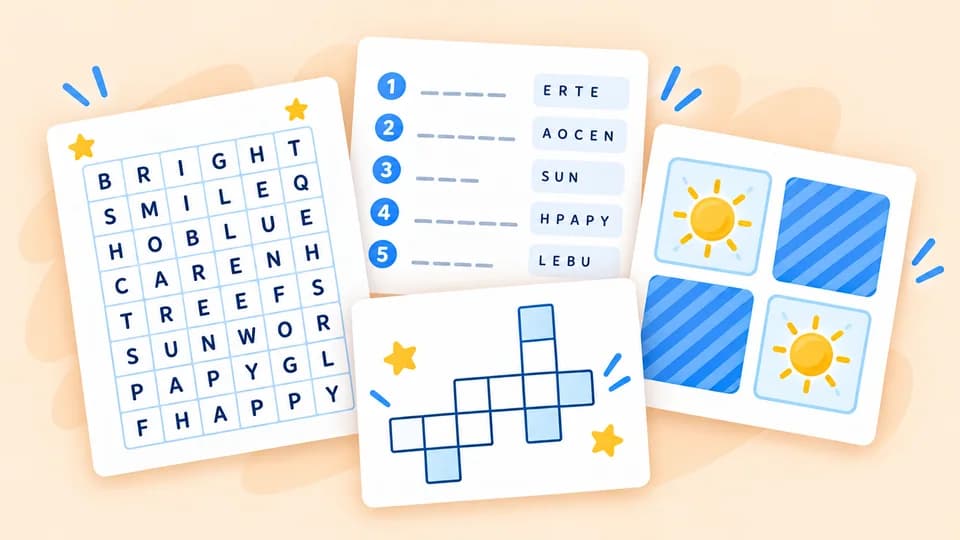
Reading passages can be shaped by grade, genre, length, and skill focus. Grammar and vocabulary creators concentrate on one grade-specific skill, while word-game packs turn one generated word list into several short games.
Generated material should always be reviewed before it is used with a learner. The selected settings guide the result, while the adult remains responsible for checking the language, facts, questions, answers, and suitability.
Available formats depend on what you create. Reading passages can include questions, an answer key, online comprehension practice, and printable resources. Grammar and vocabulary practice can be completed online or printed as a quiz and answer key.
Word-game packs support several online games and a smaller printable game set. Coloring pages are designed for offline coloring and can include a connected short reading activity. Download access and advanced worksheet options depend on the current plan.
Signed-in members can return to their creations from My PicoBuddy instead of rebuilding the same activity every time. Private-by-default creators are marked in the Create Studio; reading passage visibility depends on the member’s plan and selected publishing option.
When you need something that already exists, the PicoBuddy library remains the faster route. Create is most useful when a learner’s interest, a lesson topic, or a specific practice need is not covered by the ready-made collection.
Create Studio FAQ