
Computer Slowdown: Software vs. Hardware

Computer Slowdown: Software vs. Hardware
Have you ever been using a computer that just feels…slow? Like it's moving through peanut butter? There are lots of reasons why this might happen, but two common causes are outdated software and old hardware. But which one is more likely to be the culprit? Let's investigate!
What is Software?
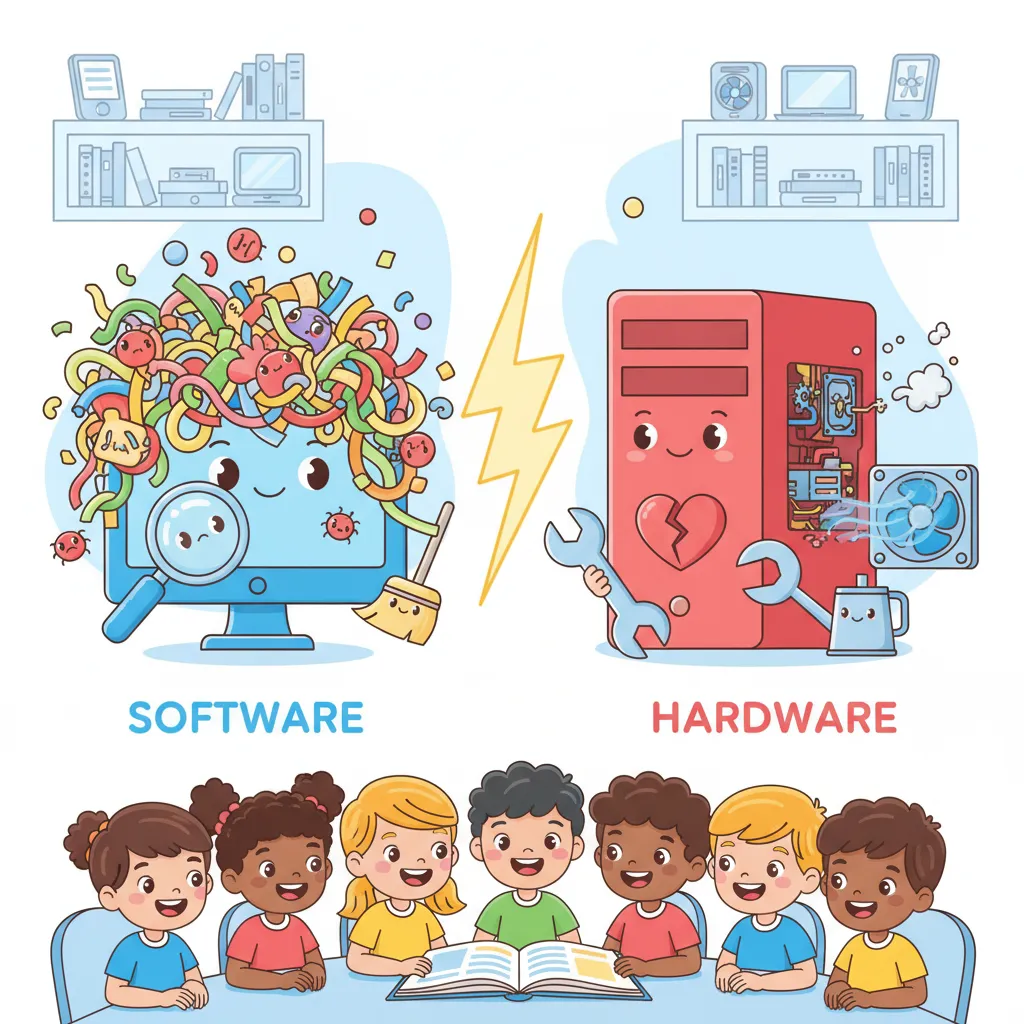
Software is like the brain of your computer. It's the set of instructions that tells the computer what to do. This includes everything from the operating system (like Windows or macOS) to the apps and games you use every day. Software updates are important because they often fix bugs, improve security, and add new features.
What is Hardware?
Hardware is the physical stuff that makes up your computer. This includes the processor (CPU), the memory (RAM), the hard drive (or solid-state drive), and the graphics card. Over time, hardware can become outdated or even start to wear out. Imagine your computer's hardware like a car: parts eventually need replacing!
The Case for Outdated Software
- Software:
- Instructions that tell a computer what to do.
- Hardware:
- The physical parts of a computer.
- Outdated:
- Old and no longer up-to-date.
- Compatible:
- Able to work together well.
- culprit:
- The person, thing, or cause responsible for creating a problem.
- bottleneck:
- A slowdown or obstacle that holds back overall progress or performance.
One passage, many ways to practice
Reading-skill questions, word work and writing prompts — all built from this text.
Main Idea
Identify the central idea and explain how important details develop it.
Context Clues
Use clues in the passage to work out what words mean. A separate printable Vocabulary worksheet is also available.
Summarize
Select, organize, and restate the most important information without adding opinion.
Purpose
Analyze what the author aims to do and how choices serve audience and purpose.
Structure
Analyze how sections and organizational choices build the text's ideas or effects.
Fact & Opinion
Distinguish verifiable statements from judgments, beliefs, and preferences in context.
Claims & Evidence
Trace and evaluate how claims are supported by reasons and evidence.
Writing Prompts
Use the passage as a springboard for short written responses, from personal reflection to evidence-based arguments.
Fix the Sentence
Practice editing sentences drawn from this passage with a printable worksheet.

Ready to use this passage in class?
Start free with the Mixed worksheet and 3 PDF downloads each week. Focused skill sets depend on plan.
Preview questions from this passageShowHide
- 1What is software, and what are some examples?
- 2What is hardware, and what are some examples?
Where this passage belongs
You Might Also Like


About this opinion / argumentative passage for Upper Elementary
“Computer Slowdown: Software vs. Hardware” is a opinion / argumentative reading passage about Computer Maintenance, written for Upper Elementary. It takes about 3 minutes to read (404 words) and comes with an interactive quiz and a printable worksheet with comprehension questions and an answer key.