
Loading articles…
Loading articles…
Explore PicoBuddy features and developments in education. Find explanations of how tools can support lesson preparation and student practice, with adult review at the center.
Showing 1–8 of 8 articles
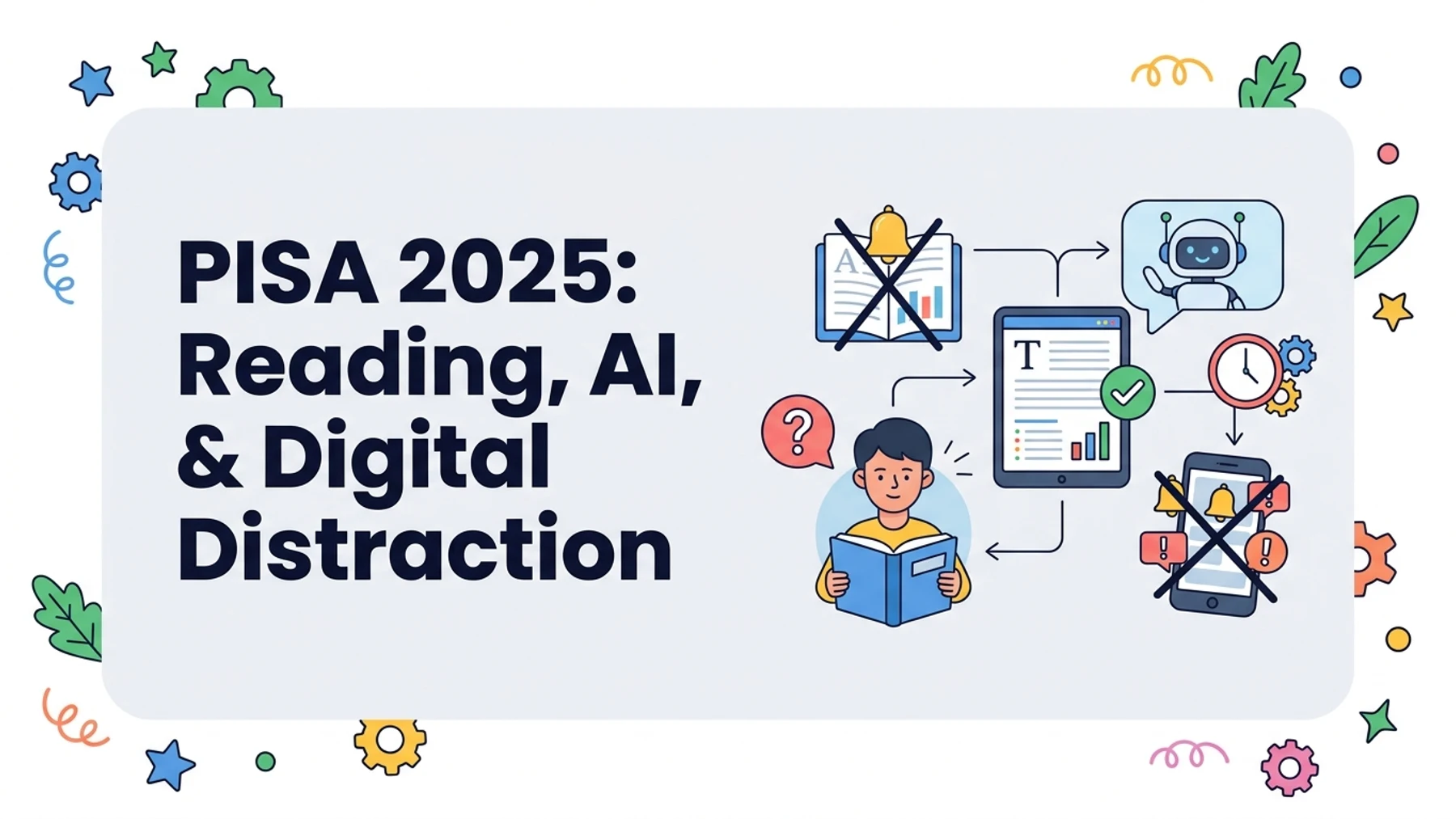
PISA 2025 offers a more useful classroom story than rankings alone: slow down the read, protect attention, and give AI a defined learning role without removing the thinking students need to practice.
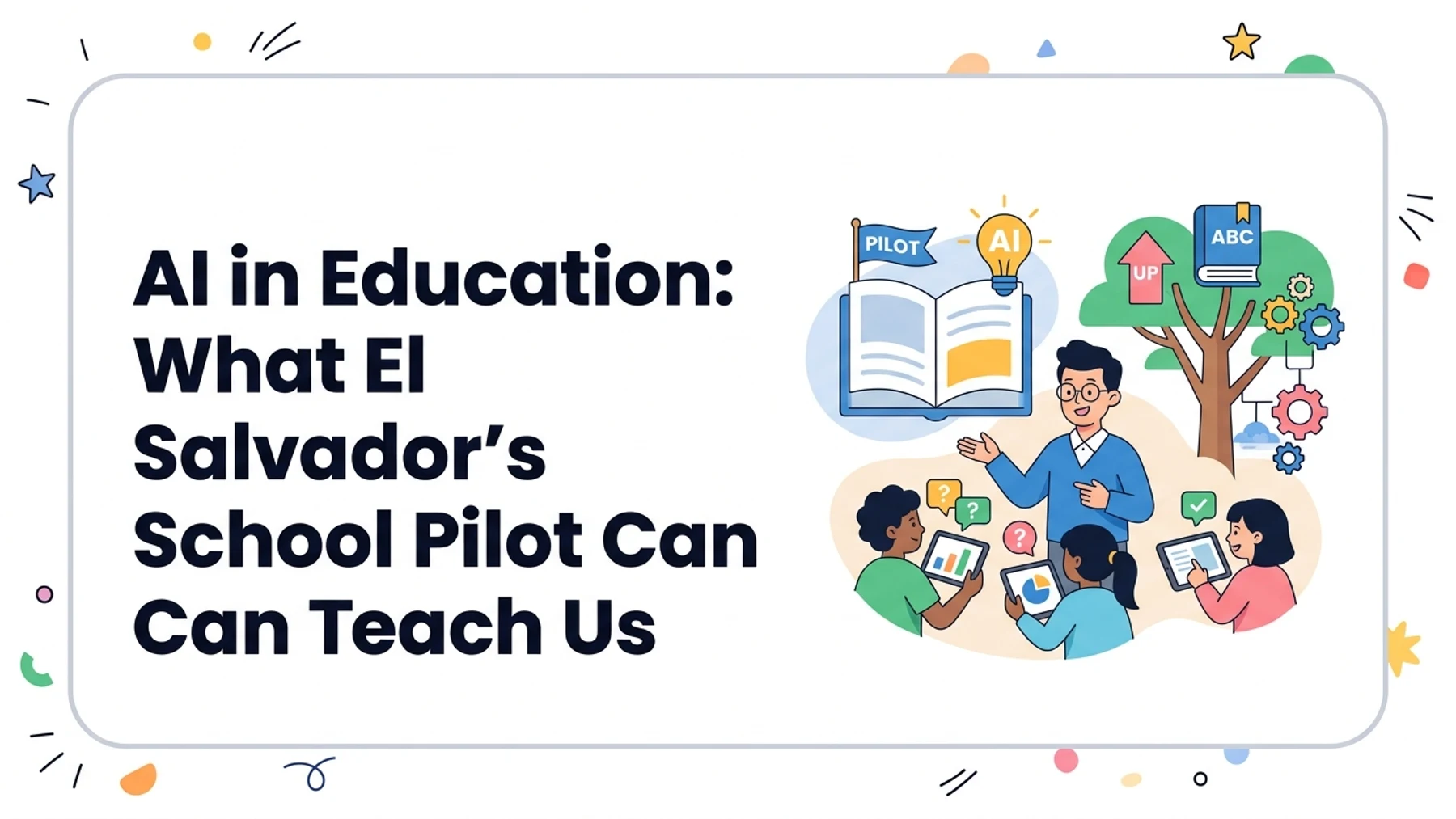
El Salvador’s 2026 school-pilot assessment is promising but limited evidence. Learn what it can show about AI in education, what it cannot prove, and how teachers can keep the learning goal in view.
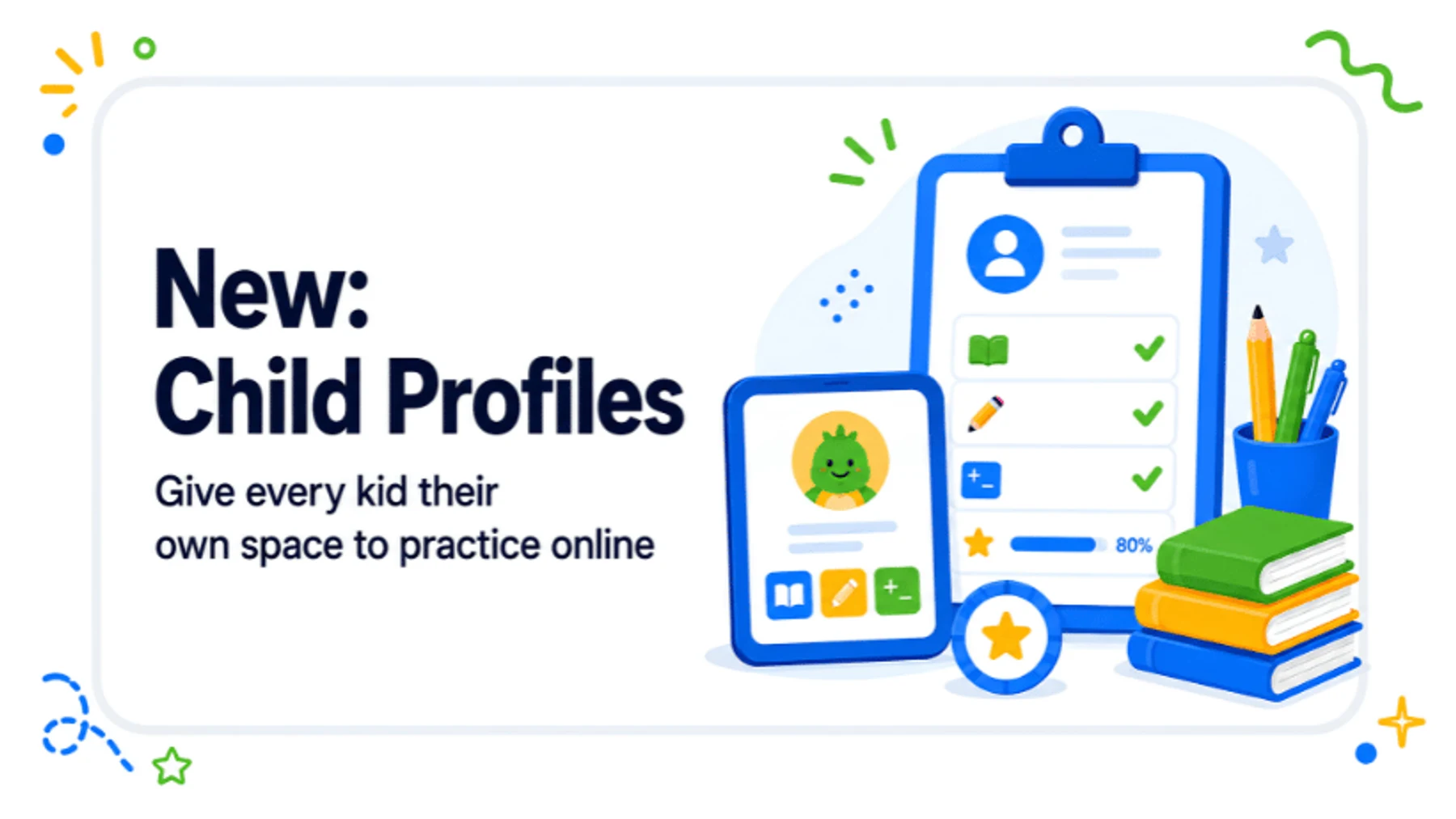
Adults can create learner profiles, prepare reading practice and review available results. Children use a separate login by personal link, QR code or short-lived pairing code; profile and login limits are checked separately.
An earlier version of this post described a PICO10 discount. Its current validity and eligibility are unconfirmed; check the current plan page and the terms shown before checkout.

Use a focused prompt to draft a PicoBuddy passage, then review its facts, reading-level fit, language, and questions. Learn a practical workflow for choosing a topic, tone, and skill.
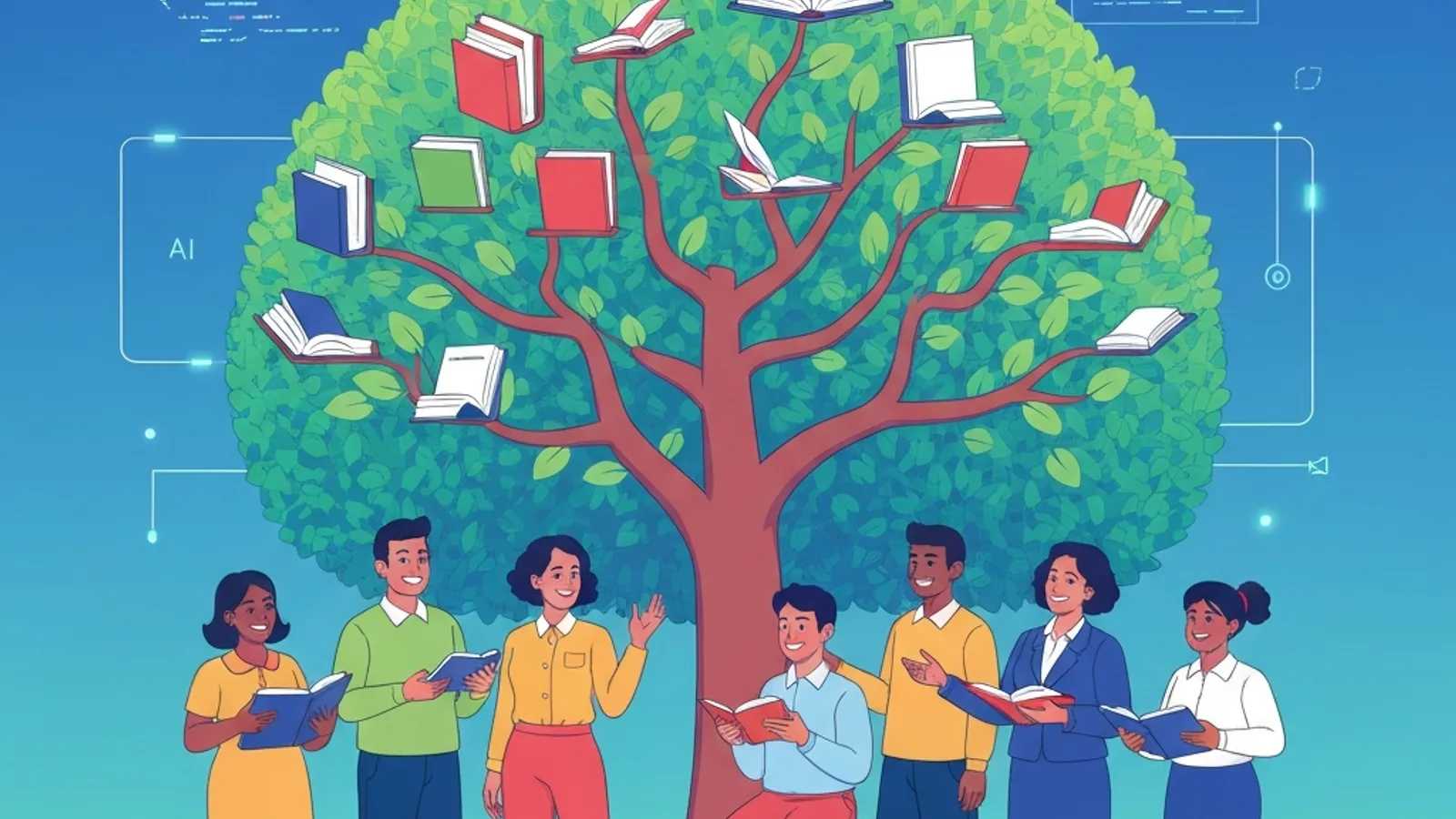
Build a practical classroom or family reading collection around current learning goals. Choose related texts with different entry points, review them for your learners, and refresh the selection as units and needs change.
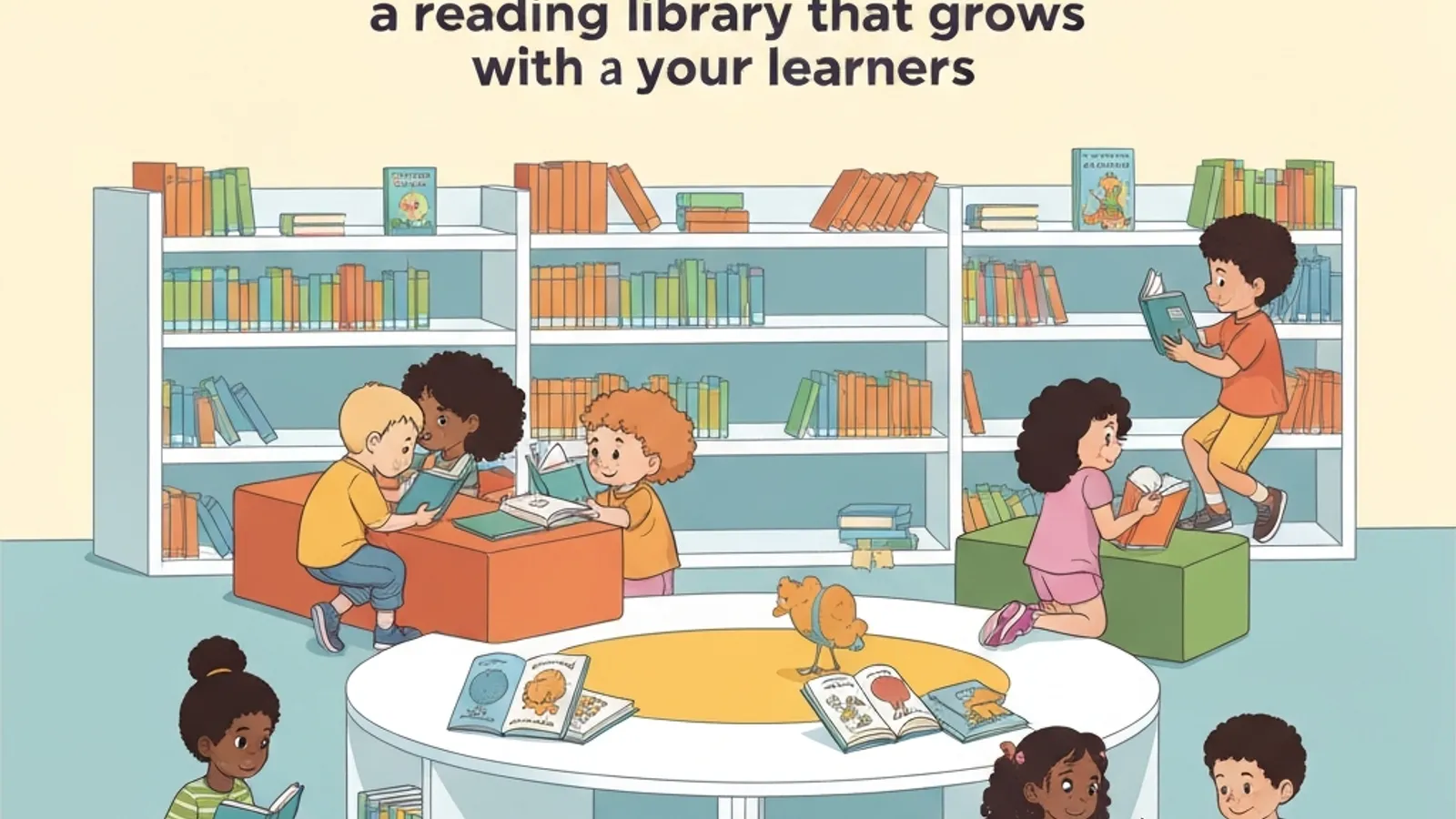
PicoBuddy helps adults browse, create, or remix reading passages and use other language-practice materials for children. Available creation, audio, practice, and download features depend on the account and selected content.
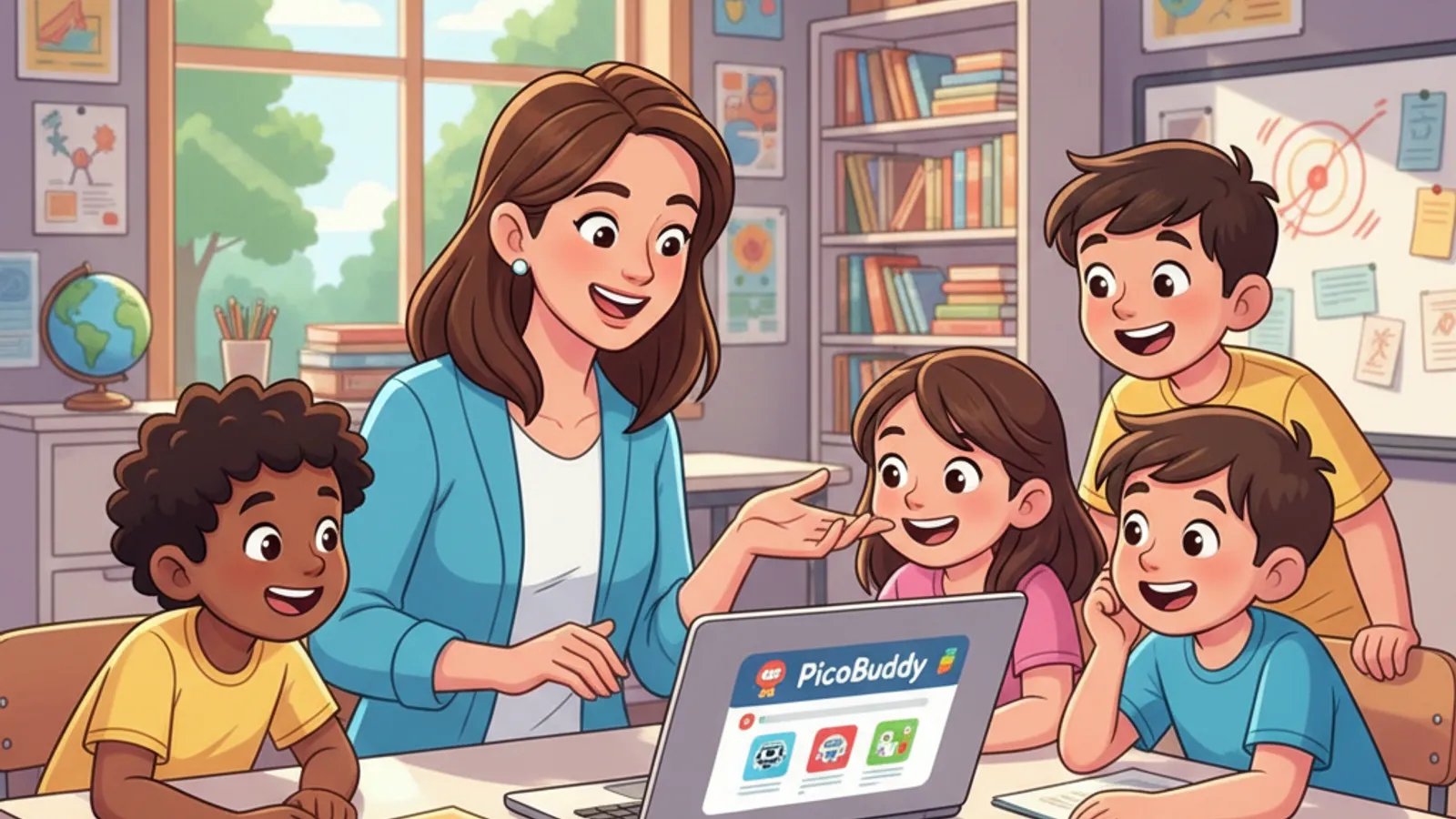
Explore PicoBuddy’s reading passage workflow: browse the public library, create or remix a text, review its fit, and choose an available way to use it. Features vary by account and passage.